Is Your Sales Navigator Strategy Generating Pipeline or Just Noise?
AI Summary
Using LinkedIn Sales Navigator for real B2B pipeline growth means shifting from cold contact lists to a system that maps markets, surfaces intent, and powers authority-led outreach. Instead of random searches, you’ll build a shared ICP, CRM-sync workflows, and team-wide list protocols that turn the platform into an intelligence hub.
- Use targeted plays like Job Change and Headcount Growth filters to uncover high-intent buyers instead of generic titles and industries
- Activate team features such as TeamLink and shared account lists to run true account-based, multi-threaded sales motions
- Apply a 7-day value drop cadence and context-rich messaging so every touch is personalized, proof-driven, and aligned to live signals
This is for teams tired of noisy prospecting who need a repeatable framework to make Sales Navigator a predictable B2B growth engine.
Most sales teams get LinkedIn Sales Navigator wrong. They buy a subscription, treat it like an infinite database for cold prospecting, and wonder why their pipeline remains empty. The tool gets blamed, budgets get cut, and a powerful intelligence asset is written off as an expensive contact list.
This is a failure of strategy, not technology.
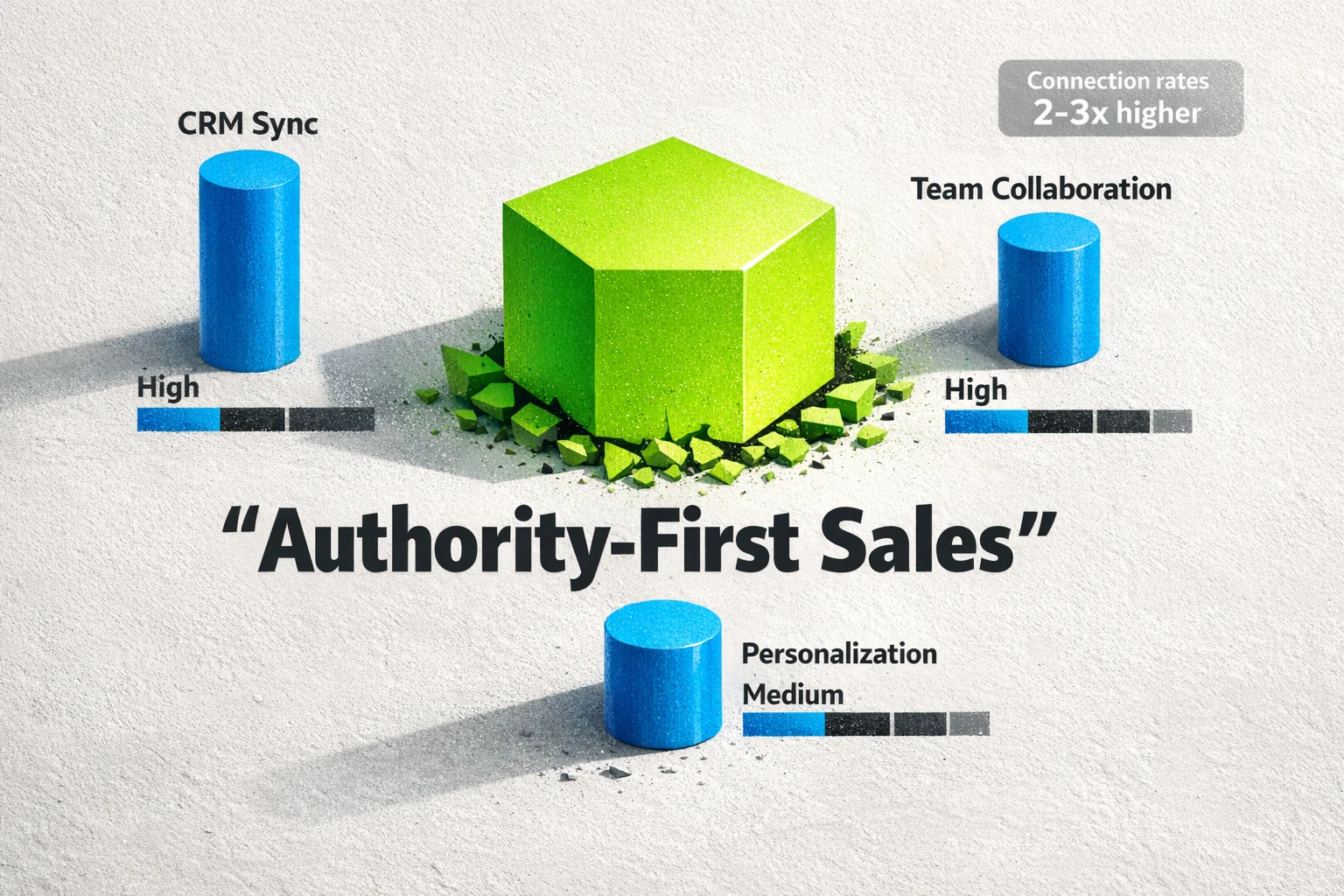
The core mistake is treating Sales Navigator as a standalone prospecting tool. It is not. It is the intelligence engine for a collaborative, authority-first sales ecosystem. When you shift your mindset from "finding leads" to "mapping markets and building authority," the platform transforms from a cost center into your most valuable growth driver.
This guide will not show you a list of search filters. It will give you a repeatable system for turning Sales Navigator into a predictable pipeline machine for your entire team.
Part 1: Fix Your Foundation Before You Search
Results do not start with a search. They start with a system. Before your team builds a single lead list, you need a shared operational foundation. Without it, every rep works in a silo, data becomes messy, and collaboration is impossible.
Centralize Your Ideal Customer Profile (ICP)
Your ICP is not a suggestion. It is a set of rules for your entire team. Every person using Sales Navigator must be working from the same definition of a perfect-fit account. This means agreeing on firmographic data like company size, industry, and geography, but also on triggers and signals like recent funding, headcount growth in specific departments, or technology usage. Document this ICP and make it the starting point for all saved searches.
Configure CRM Sync for Intelligence, Not Data Dumping
Connecting Sales Navigator to your CRM is a standard feature. Using it strategically is not. Most teams just sync contacts, creating a cluttered database. The goal is not to copy data. The goal is to enrich your CRM with LinkedIn's real-time intelligence. Configure the sync to automatically flag existing accounts that show growth signals or have key new hires. This turns your CRM from a static record into a dynamic opportunity radar.
Establish Team-Wide List and Tagging Protocols
Every lead list and account list should have a clear, consistent naming convention. Use tags systematically to segment prospects by persona, initiative, or stage in your outreach cadence. For example, a list might be named "ICP-Fintech-UK-Q3-2026" and leads within it tagged as "Persona-CFO" or "Status-Connected-Warm." This discipline allows sales leaders to see the entire pipeline at a glance and enables seamless collaboration on key accounts.
Part 2: Master Advanced Filter Plays
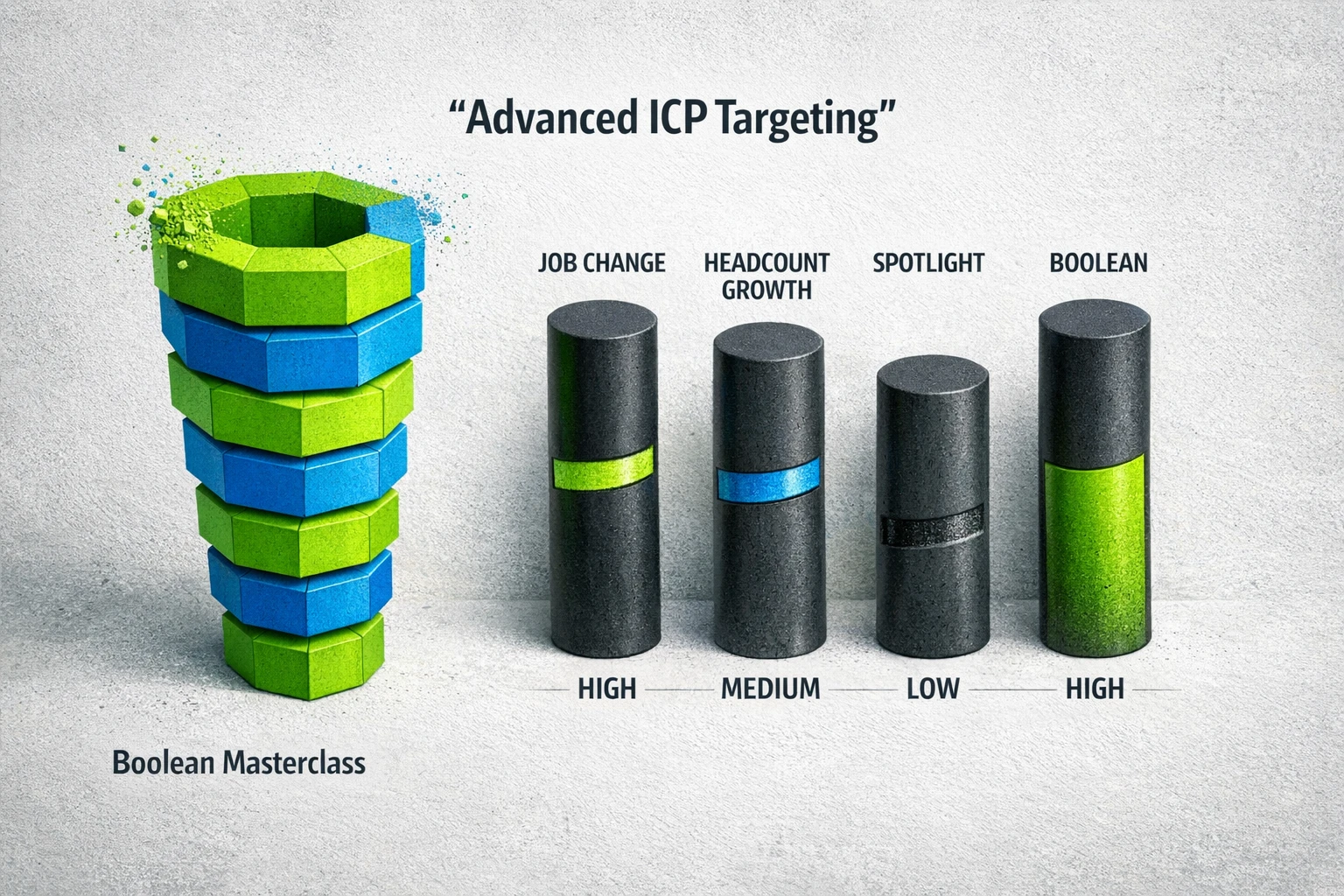
Generic searches yield generic prospects. Elite sales teams do not just use filters. They run plays. A play is a combination of filters designed to uncover a specific, high-intent buying signal. As sales leader Ryan Reisert notes, Sales Navigator is a "game-changer for modern B2B prospecting—when you know how to use it properly" [1]. Using it properly means moving beyond basic industry and title searches.
Here are two advanced plays to run immediately.
The "Job Change" Play
New leaders are agents of change. They have budgets, a mandate to make an impact in their first 90 days, and are actively looking for new solutions to old problems.
- Filter Combination: Use the "Posted on LinkedIn in the last 30 days" filter combined with your target personas (e.g., "VP of Marketing," "Head of Engineering").
- Spotlight Filter: Add the "Changed jobs in the past 90 days" Spotlight filter.
- The Angle: Your outreach is not a cold pitch. It is a congratulatory note that pivots to a relevant insight about the challenges a new leader in their specific role often faces. You are not a vendor. You are a timely advisor.
The "Headcount Growth" Play
A company hiring aggressively in a specific department is signaling pain and investment. If a 100-person software company is suddenly hiring 10 new sales reps, their current sales tools and lead generation processes are likely under strain.
- Filter Combination: Use the "Department headcount growth" filter and target a 10% or greater increase in the departments you sell to (e.g., Sales, Marketing, IT).
- Combine With: Your core ICP filters for company size and industry.
- The Angle: Your outreach focuses directly on the scaling challenges. "Saw your sales team is expanding rapidly. Typically, when companies grow at this pace, they run into issues with X and Y. We specialize in solving that."
Part 3: Use Team Features to Sell Collaboratively
Selling alone is a low-probability game, especially in complex B2B deals with large buying committees. Sales Navigator's most underutilized features are the ones built for team collaboration. This is how you move from single-threaded conversations to multi-threaded account penetration.
Map Buying Committees with TeamLink
TeamLink surfaces colleagues who are already connected to your target prospects. It is your warm introduction engine. A connection request from a stranger gets ignored. An introduction from a trusted colleague gets accepted. The data confirms this. Connection rates on LinkedIn can be 2 to 3 times higher if you have already spoken with the prospect, and a warm intro is the fastest way to start that conversation [2].
The Play:
- Build an account map with all key personas for a target company.
- Review the TeamLink connections for each person on the map.
- Do not just ask for an intro. Provide your colleague with the context and the exact message to use. Make it easy for them to say yes.
Use Shared Lists for Account-Based Selling (ABS)
For your top-tier target accounts, create a shared Account List. Invite the Sales Development Rep (SDR), Account Executive (AE), and Customer Success Manager (CSM) to collaborate. This shared space allows everyone to see real-time updates, add notes on prospects, and coordinate outreach so the buyer receives a consistent, high-value experience instead of random messages from three different people at your company.
Part 4: Turn Intelligence into Personalized Outreach
All the data in Sales Navigator is useless until it informs a message. Generic, automated outreach is a commodity. Authority-led, personalized outreach is a competitive advantage.
The "Value-First" Outreach Model
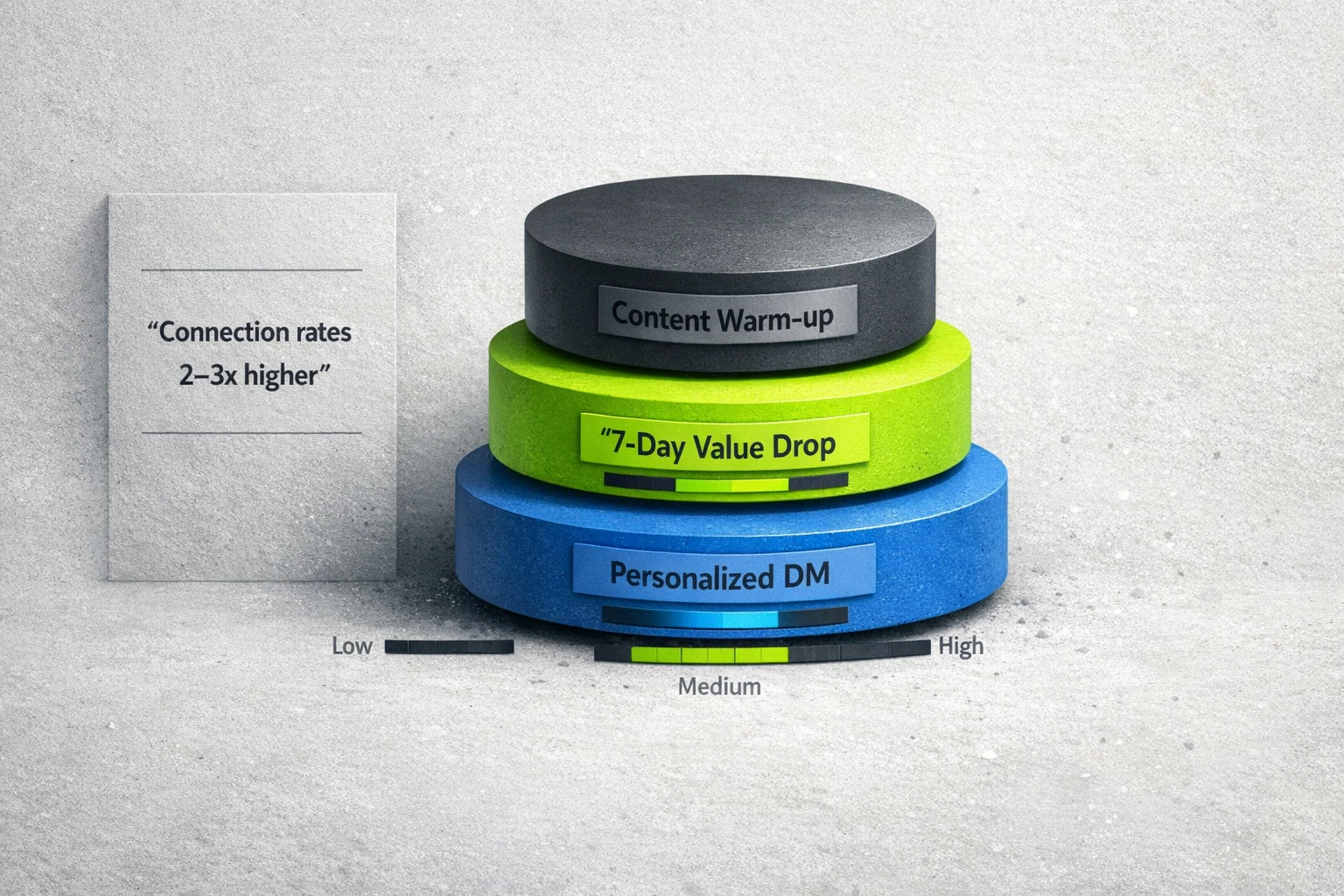
Before you ever send a connection request or InMail, warm up the prospect. Engage with their content. Comment on a post they shared. Make them familiar with your name and face. Your goal is to be a known entity, not a random salesperson, before you enter their inbox.
Implement the "7-Day Value Drop"
Former LinkedIn Senior AE Will Aitken advocates for a powerful framework that combines inbound content with outbound precision. His "7-day value drop" model is simple and effective. After a high-value prospect has seen your content on their feed for about a week, you send a direct message with a relevant, high-value asset like a research report, a checklist, or a case study [3]. You are not asking for a meeting. You are offering value to qualify their interest.
Craft Messages That Show You Did the Work
Your first message should prove you have done more than read their job title.
- Bad: "Hi [Name], I see you're the VP of Sales at [Company]. We help VPs of Sales improve ROI. Can we chat?"
- Good: "Hi [Name], congratulations on the new role. I saw your team is hiring 10 new AEs. When sales teams scale that fast, they often struggle with pipeline consistency. Our guide on that specific challenge might be helpful here."
The second message shows you understand their context. It earns you the right to a conversation.
Systematize Your Success
The difference between successful teams and everyone else is consistency. Sales Navigator is an outbound tool that requires active and consistent effort, not a passive "set it and forget it" solution [4].
Give your team a simple weekly cadence to follow:
- Monday: Review alerts for saved searches and target accounts. Identify 3-5 new opportunities from job changes or growth signals.
- Tuesday: Run one new "play" to build a fresh list of 20-30 high-potential prospects.
- Wednesday: "Warm up" prospects identified on Monday and Tuesday by engaging with their content.
- Thursday: Send personalized connection requests or InMails to last week's warmed-up prospects.
- Friday: Follow up and clean your lists.
Stop using Sales Navigator as a glorified search bar. Build a system, run strategic plays, collaborate as a team, and personalize your outreach. That is how you turn a monthly subscription into a predictable growth engine.
Frequently Asked Questions
Is LinkedIn Sales Navigator worth the cost?
It is worth it if you use it as a strategic intelligence tool, not just a contact database. If you commit to the team-based workflows and advanced plays outlined here, the ROI from a few closed deals will far outweigh the subscription cost. If you use it for basic cold prospecting, it is probably not worth it.
How is Sales Navigator different from a regular LinkedIn Premium account?
Sales Navigator is a separate platform designed specifically for sales professionals. It offers much more powerful search filters, lead and account list building, CRM integration, and team collaboration features like TeamLink that are not available in a standard Premium account.
Can our team get results with Sales Navigator Core, or do we need Advanced?
A team can get significant value from the Core plan by mastering the advanced search and list-building features. However, the Advanced and Advanced Plus plans unlock the most powerful collaborative features, including TeamLink and deeper CRM integrations, which are critical for scaling an authority-first sales ecosystem.
What is the single biggest mistake sales teams make with Sales Navigator?
The biggest mistake is a lack of system. They give every rep a license with no training, no shared ICP, no list protocols, and no collaborative process. This leads to random acts of prospecting instead of a coordinated, strategic effort.
How long does it take to see a measurable pipeline impact?
With a dedicated, system-driven approach, a team can expect to see higher quality leads and more sales conversations within the first 30 to 60 days. Building a predictable pipeline machine takes a full quarter of consistent effort.
Sources:
- Kaspr - Expert opinion from Ryan Reisert on the proper use of Sales Navigator.
- LeadLoft - Data on the increased connection rates from warm outreach on LinkedIn.
- Will Aitken via LinkedIn - A "7-day value drop" framework from a former LinkedIn Sr. AE.
- Philip Horne - Expert advice on treating Sales Navigator as an active outbound tool.