Why Your JavaScript Website Might Be Invisible to AI (And How to Fix It)
AI Summary
Understanding why your JavaScript website might be invisible to AI is essential for improving SEO and user experience. This article explains key concepts about JavaScript rendering, Core Web Vitals, and how AI systems see your site. It covers the different rendering methods, their effects on visibility and ranking, and practical solutions to optimize your site for both human users and AI crawlers.
Who: Website owners, SEO professionals, developers
What: The impact of JavaScript rendering on SEO and AI's ability to crawl content
When: Addressing visibility and performance issues in the current AI-driven search landscape
Where: Web and digital marketing ecosystems
Why: To enhance search engine indexing, improve Core Web Vitals, and increase AI content visibility for better user engagement and ranking
You've invested in a beautiful, dynamic website. It has sleek animations, interactive features, and a modern feel that wows your visitors. But you've noticed something strange. Your search engine performance is flat, and when you try to reference your content with an AI tool like ChatGPT, it seems to miss the point entirely. What’s going on?
The answer often lies in a technical process happening behind the scenes: JavaScript rendering. While your human visitors see a flawless final product, search engines and other AI systems can see a completely different, often broken or empty, version of your page. Understanding this difference is the key to unlocking your site's true potential in an AI-driven world.
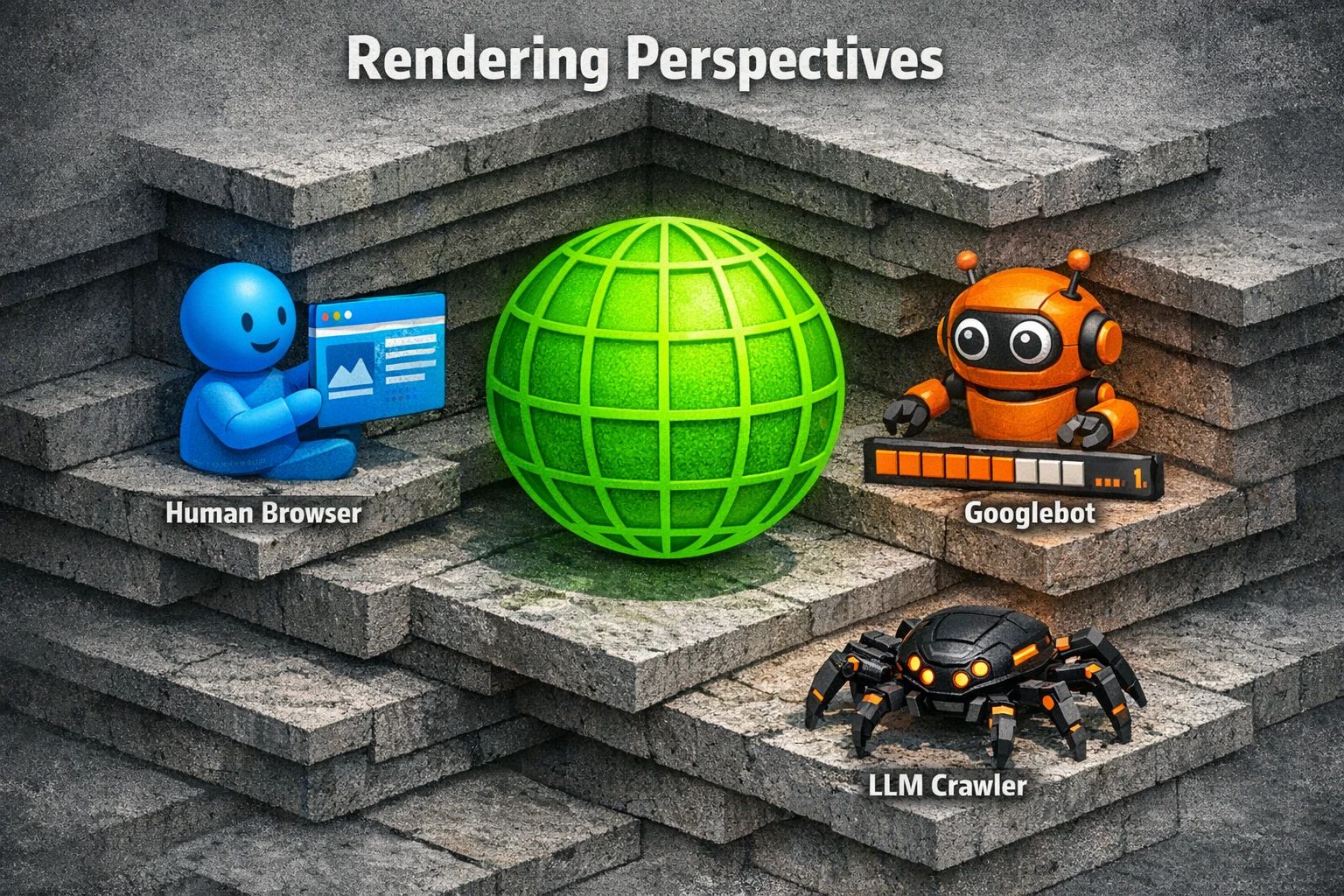
This guide will demystify how AI assesses JavaScript rendering. We will explore how it impacts your SEO and user experience, and what you can do to ensure your brilliant content is visible to every user and every bot that matters.
The Foundations: Performance, Rendering, and Visibility
Before diving into AI's perspective, let's cover three fundamental concepts that set the stage for everything that follows.
What Are Core Web Vitals?
Core Web Vitals (CWV) are a set of specific metrics Google uses to measure a user's real-world experience on a webpage. They are not just technical benchmarks. They are direct indicators of how enjoyable and frustration-free your site is. The three main vitals are:
- Largest Contentful Paint (LCP): How long does it take for the largest piece of content (like an image or block of text) to appear on the screen? This measures loading performance. A slow LCP feels like staring at a blank page.
- Interaction to Next Paint (INP): How quickly does your page respond when a user interacts with it, for example by clicking a button or tapping a menu? This measures responsiveness. A high INP feels sluggish or broken.
- Cumulative Layout Shift (CLS): How much does the content on your page unexpectedly move around as it loads? This measures visual stability. A high CLS is frustrating, like when you try to click a button, but an ad loads and pushes it down.
These metrics are crucial because Google uses them as a ranking signal. A poor CWV score can directly harm your SEO performance.
A Tale of Two Rendering Methods: CSR vs. SSR
When you build a website with a modern JavaScript framework, you primarily choose between two ways to render the content.
- Client-Side Rendering (CSR): The server sends a nearly empty HTML file and a large bundle of JavaScript to the user's browser. The browser then runs the JavaScript to build the page, fetch data, and make it interactive. Think of it like sending someone a box of LEGOs with instructions and asking them to build the castle. It's flexible, but the initial setup takes time.
- Server-Side Rendering (SSR): The server does all the work upfront. It builds the full HTML page with all the content and sends that completed page to the browser. The browser can display it immediately. This is like sending someone a fully assembled LEGO castle. It's visible right away, though it might take a moment to make the interactive parts work.
This choice has massive implications for how AI systems see your site.
The Critical Connection: How JavaScript Affects Everything
Heavy JavaScript execution is often the root cause of poor Core Web Vitals. If the browser has to download, parse, and execute massive JavaScript files before it can show the main content, your LCP will suffer. If the page is busy running scripts after it loads, it cannot respond quickly to user clicks, leading to a high INP.
This same process that frustrates users also creates major hurdles for search engines and AI. If critical content is hidden behind JavaScript execution, bots may never see it, preventing it from being indexed and ranked.


The AI Dimension: Seeing Your Site Through a Machine's Eyes
Not all bots are created equal. How Google interacts with your JavaScript site is vastly different from how other AI systems, like those powering generative search, see it. This is one of the most misunderstood aspects of modern SEO.
Googlebot’s Two-Wave Indexing and the 5-Second Window
Google has a sophisticated process for handling JavaScript. It is called two-wave indexing.
- Wave One: The HTML Crawl. Googlebot first crawls the initial HTML that your server sends. It indexes any text and links it finds here immediately. This is fast and efficient.
- Wave Two: The Rendering Phase. Later, when resources are available, Googlebot will load your page in a headless browser (a browser without a visual interface) and execute the JavaScript. It has a rough "five-second window" to do this. Any content that appears after this window, or any content that fails to load due to a JS error, may never be seen or indexed.
This two-step process means that even for Google, there can be a delay before your full content is understood.
Beyond Google: Why Other AI Crawlers Are Flying Blind
Here is the critical "aha moment" for many businesses. Most AI systems and LLMs do not execute JavaScript at all.
When a crawler for an AI like ChatGPT, Perplexity, or Claude visits your page, it only performs Wave One. It reads the initial HTML source code your server provides. If your site uses Client-Side Rendering, that HTML is likely a nearly empty shell with a link to a JavaScript file. The AI sees a blank page.
This is why your content may not appear in AI-generated answers or summaries. The AI never saw it. To ensure your content contributes to the growing number of llm‑indexed pages, it must be present in that first server response. This is also essential for establishing your semantic authority, as an AI cannot recognize your expertise if it cannot read your content.
Common JavaScript Pitfalls Harming Your Visibility
Several common issues can make your site invisible or perform poorly for both Google and other AI systems:
- Render-Blocking JavaScript: Scripts that must be downloaded and executed before the rest of the page can be displayed. This is a primary cause of slow LCP.
- Hydration Mismatches: This occurs when the page rendered on the server is different from what the client-side JavaScript expects. It can cause the entire page to re-render, creating jarring layout shifts and poor INP scores.
- No Fallback for AI: Content that is only loaded via a JavaScript call after the initial page load is completely invisible to non-rendering AI crawlers.
- Complex Internal Linking: If your site's navigation is built entirely with JavaScript, crawlers may not be able to discover other pages. A robust strategy for
ai internal linkingensures that bots can understand the structure of your site from the raw HTML.
Choosing the Right Path: Strategic Rendering for Modern SEO
The solution isn't to abandon JavaScript. It is to use it strategically. Your choice of rendering method has a direct impact on performance, SEO, and AI visibility.
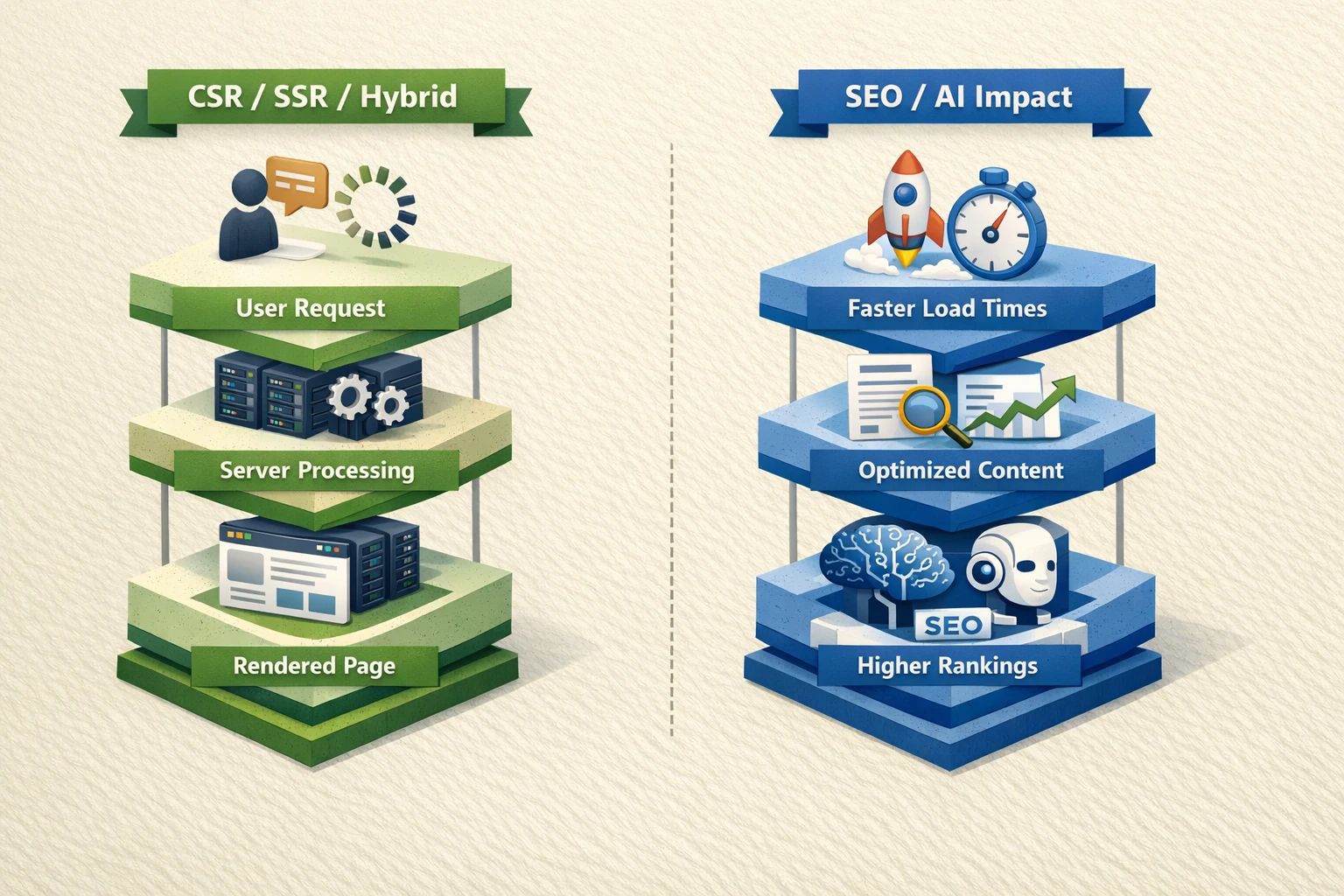
A Comparative Look at Rendering Strategies
- Server-Side Rendering (SSR): Excellent for SEO and AI. Delivers a fully-formed page that all bots can read. It provides a fast LCP for users. This is often the best choice for content-heavy sites.
- Static Site Generation (SSG): The ultimate for performance. Every page is pre-built as a static HTML file during the build process. This results in blazing-fast load times and perfect visibility for all crawlers. It is ideal for blogs, marketing sites, and documentation.
- Dynamic Rendering: A hybrid approach. This setup detects the visitor. It serves a fully rendered static HTML version to bots and the normal client-side rendered version to human users. It can be a good interim solution but adds complexity.
- Client-Side Rendering (CSR): Best for highly interactive web applications where SEO is not the primary concern, such as a logged-in dashboard. It generally performs poorly for public-facing, content-driven websites.
Optimizing for a Hybrid World
For many modern applications, a hybrid approach works best. Techniques like code splitting (breaking up large JS files into smaller chunks) and lazy loading (only loading assets when they are needed) can dramatically improve performance. The goal is to deliver the critical content upfront in the initial HTML and progressively enhance the page with JavaScript. This approach requires an ongoing process of ai content continuous fine-tuning to ensure performance stays optimal as the site evolves.
Building an AI-Inclusive SEO Strategy
Ensuring your site is visible and performant in the modern web requires a shift in mindset. You must build for both humans and machines from day one.
Start by auditing your site. Use tools like Google PageSpeed Insights to check your Core Web Vitals and Google Search Console's URL Inspection tool to see how Googlebot renders your pages. To check for AI visibility, disable JavaScript in your browser and reload your page. What you see is what most AI crawlers see.
From there, work with your development team to choose and implement a rendering strategy that delivers a fast, accessible experience for everyone. A successful strategy improves your user experience, boosts your traditional SEO rankings, and prepares your content for the next generation of ai search. By getting rendering right, you build a foundation for sustainable growth and increase your content roi ai brand authority across all digital platforms.
Frequently Asked Questions
What are Core Web Vitals?
Core Web Vitals are a set of three specific metrics Google uses to measure the real-world user experience of a webpage. They are Largest Contentful Paint (LCP) for loading speed, Interaction to Next Paint (INP) for interactivity, and Cumulative Layout Shift (CLS) for visual stability.
Does Google see my JavaScript website?
Google can execute JavaScript and see the final rendered content, but it's a two-step process. If your site is slow or has errors, Google may not see all of your content. Any content that takes longer than about five seconds to appear is at risk of not being indexed.
Why can't AI like ChatGPT read my website properly?
Most AI and LLM crawlers, unlike Google, do not execute JavaScript. They only read the initial HTML code sent by your server. If your website relies on client-side rendering, that initial HTML is mostly empty, so the AI sees a blank page and cannot access your content.
What is the best rendering method for SEO?
For content-focused websites, Server-Side Rendering (SSR) and Static Site Generation (SSG) are generally the best choices for SEO and AI visibility. They deliver a complete HTML page that is immediately readable by all crawlers, ensuring your content gets indexed properly.
How can I check for JavaScript rendering issues?
A simple way is to use the "Disable JavaScript" feature in your browser's developer tools and then visit your site. The content you see is what most AI crawlers see. For a more technical view, use Google Search Console's URL Inspection tool to see a screenshot of how Googlebot renders your page and check for any errors.